The Easy‑to‑Use Fishing Log App That You’ll Keep Using
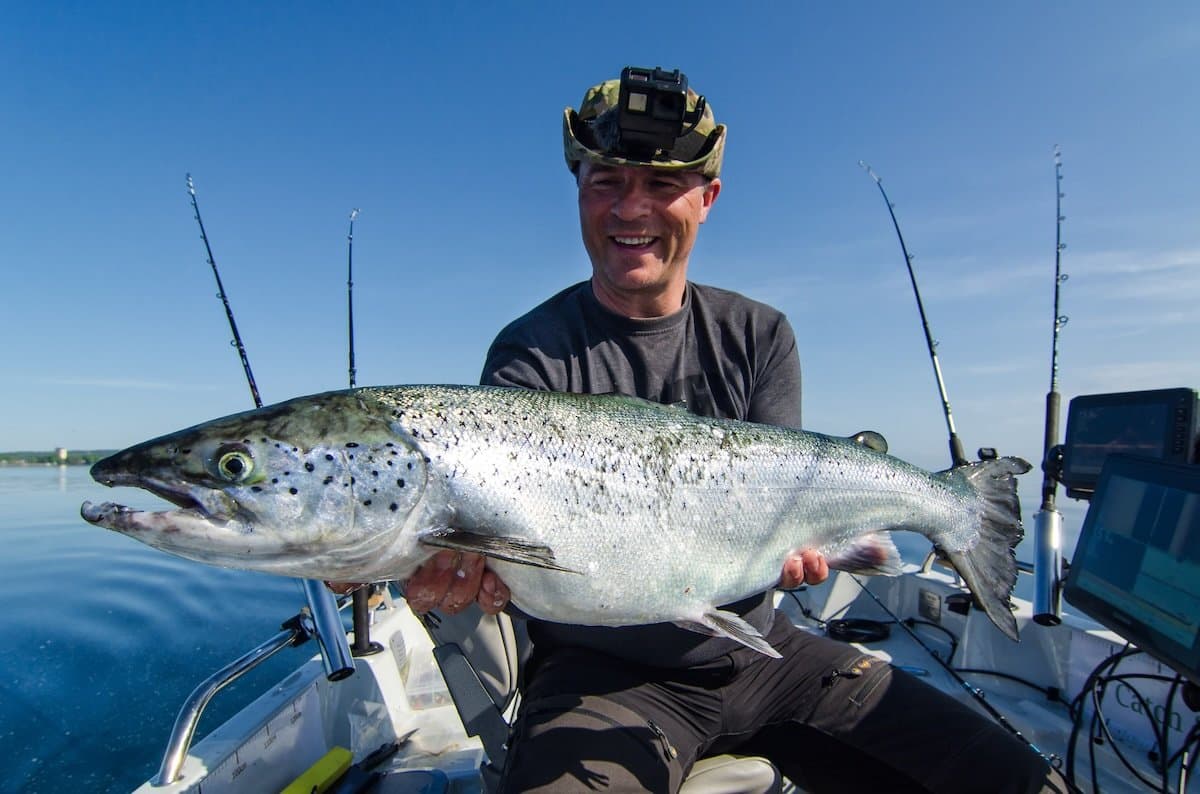
Every angler has had a day that felt like a cheat code. Same creek bend, same tide, same lure, fish on repeat. Then a month later you try to replay it from memory and the magic is gone. A fishing log exists for one reason. Turn good memory into reliable patterns so you can repeat what works.
Why logging fish catches pays off
Patterns drive success. Logs reveal patterns that memory blurs. Tides on your bay boat. Wind on your home lake. Cloud cover on your favorite flat. These aren’t trivia. They are the difference between “lucked into it” and “planned for it.”
A good log helps you answer simple but powerful questions:
- When did fish eat here last time, and what changed since then
- What presentation worked, and how did conditions line up
Keep it that simple and you will use your log all season.
The trap most fishing apps fall into
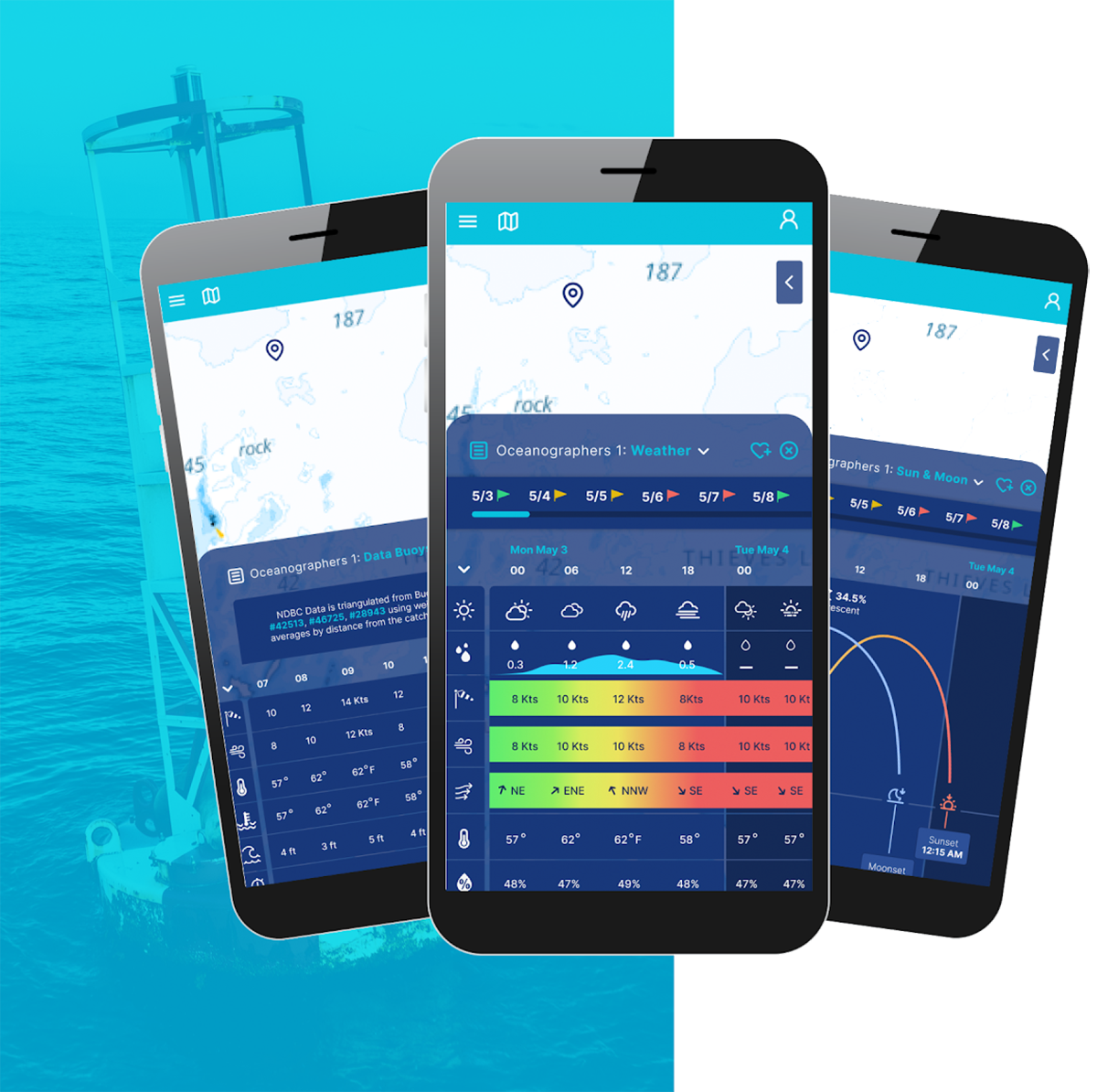
Many apps try to be everything at once. Dozens of fields, heavy dashboards, screens inside screens. That feels productive, but the friction kills the habit. If logging takes longer than landing a fish, you will skip it after a few trips.
The antidote is ruthless simplicity. Capture the moment while you still remember the micro‑details, then get back to fishing.
A simple, photo‑first approach
Log.Fish is built around a quick capture flow. Snap a photo, jot the essentials, save. The same photo you take for your log can be shared to social media if you choose. The focus is fast logging, not complex analysis. That’s intentional. Consistency beats complexity.
Two‑step habit
- Take a photo the instant you unhook the fish.
- Add the few details that matter and save before you make your next cast.
The only details that reliably pay off
You do not need twenty fields. You need the ones that turn today’s result into tomorrow’s plan. Use these as your core set.
Place and conditions
Record where you were in a way you can repeat. That might be “north shoreline eelgrass inside the point” or a pin on your phone. Note one or two environmental cues that define the bite, like “incoming tide halfway,” “stained water after rain,” or “steady chop with high clouds.” Keep the description consistent so patterns are easy to scan later.
Presentation details
Log what you showed the fish and how you moved it. Lure or fly model, size, color family, retrieve or strip cadence, depth or count‑down. One sentence is enough. “Quarter‑ounce jig, pearl paddletail, slow roll near bottom.”
Fish info
Species, rough size, and keep/release. If the fish told you something important, add it. “Stomach full of tiny glass minnows” or “ate on pause.”
That’s it. Three short lines per fish will beat a spreadsheet nine times out of ten.
How to log a catch in under 30 seconds
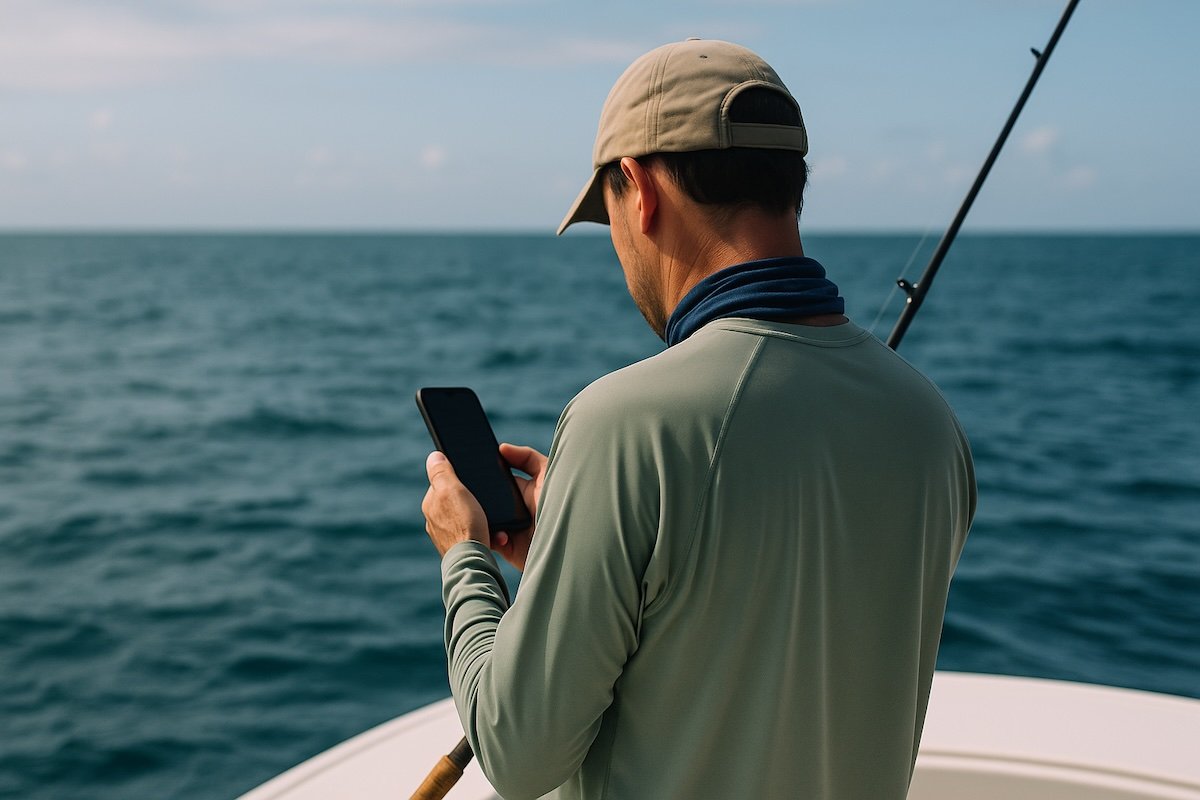
With a photo‑first app, the clock is on your side.
- Open, snap, save the image while the moment is fresh.
- Type your three short lines and hit save. If you want to share the photo, do it right then. If not, you already have the record.
How patterns actually show up
Patterns rarely announce themselves. They whisper. A handful of entries might look random until you read them side by side.
- You notice your best spring bass fish came on windward banks with a slow roll and the same color paddletail.
- You realize your snook eats clustered around the top half of the incoming tide on high‑cloud days near current seams.
These are not big data insights. They are small, repeatable cues that only show up because you wrote them down.
Practical ways to review your log
Weekly and monthly mini‑reviews keep the benefits rolling.
After a week
Skim your last few entries. Circle the conditions that repeat. Decide one detail to test next trip, like “try the same jig two feet shallower.”
After a month
Scan for clusters by location or tide stage. Pick one pattern to deliberately replicate on your next outing.
Short reviews are enough. You are not writing a term paper. You are tuning a system.
FAQs
How much should I write in each entry
Aim for one photo and three short lines. Place and conditions. Presentation details. Fish info. If you have time, add a quick lesson learned.
Can I share my log photos on social
Yes. The same photo you take for logging in Log.Fish can be shared to your social accounts if you choose. If you prefer to keep spots quiet, skip sharing and keep the photo in your log.
Does it work if I only log my best fish
It helps, but you will learn faster if you also log tough days and short strikes. You want to capture what did not work too.
A quick start you can do today
Create a new entry for your last successful trip. Write the three short lines and add the photo you already have on your phone. Next time you land a fish, repeat the two‑step habit. Photo. Three lines. Save. The habit will stick because it is fast.
Ready to lock down your patterns and keep them handy on the water?
Download Log.Fish and make your next great day repeatable.