Fishing App Guide: Track Catches & Turn Data into More Fish
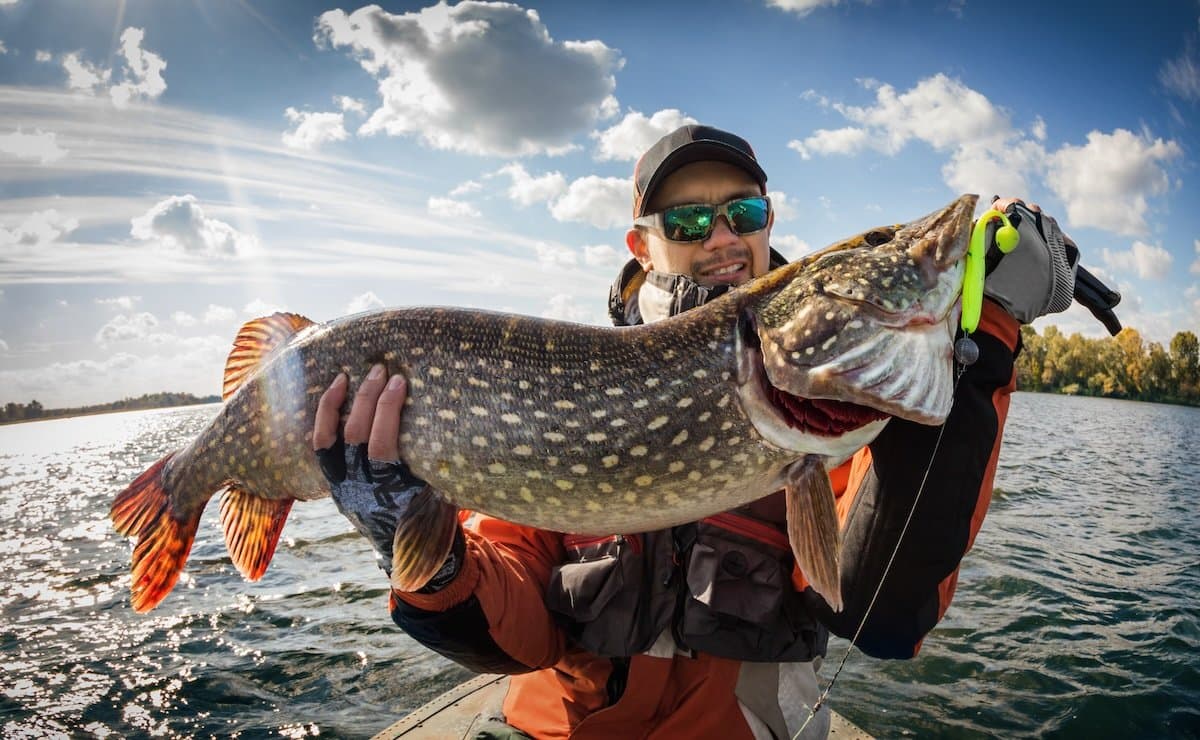
A while back I was on the water with a buddy who said he “remembered exactly” what tide, wind, and lure he’d used the last time he limited out. We pulled up the old data on my phone while running to the first spot — turns out he was wrong on all three. Tide was an hour later, wind was opposite, and he’d been throwing a completely different color jig. We still caught fish, but not like that day he thought he remembered.
Point is, memory’s great for telling fish stories, but it’s lousy for the details that actually help you catch more.
If you really want to get better at fishing, it helps to pay attention to more than just the size of the one you brought home for a photo. Every trip has details that add up — the kind of details you can’t always remember weeks or months later. A good fishing log app makes it easy to lock those details in while they’re fresh. In just a few seconds, you can record the essentials — a quick photo, the species, the spot — and let the app fill in the rest automatically, like the weather, tide stage, and time of day.
After a few trips, you’ll start to notice small patterns that you might have missed before. Over the course of a season, those patterns can turn into a repeatable plan that gives you a real edge the next time you’re out. This guide walks you through why keeping a log works, what’s worth recording, and (most importantly) how to use that info to put more fish in the boat.
Why Log Your Fishing Trips in the First Place?
Scientists once studied the California sea slug to understand how memory sticks. Turns out, just one experience isn’t enough — the slug’s brain needed two events, spaced just right, to lock it in. Even more interesting, it remembered better if the second event was stronger than the first. Fishing’s not all that different. One good day on the water might stick in your head, but two or more trips with detailed notes — especially if you’re building on what you learned — will give you a pattern you can actually use. Without those follow-up details, a lot of the memory just slips away.
So when it comes to keeping a detailed fishing logbook, traditional pen-and-paper logbooks still have a place. But, they’re easy to lose, hard to organize, and not much help when you’re out on the water trying to remember last August’s tide patterns. A fishing log book app solves those issues with:
- Instant capture of catches, locations, and conditions.
- Automatic data like tide, weather, and moon phase pulled in with no extra work.
- Searchable history so you can recall exactly what worked in similar situations.
- Mapping tools to revisit productive spots or see where patterns emerge.
Over time, your log becomes a fishing-specific database, tuned to your local waters and your own habits.
Fishing success is rarely just luck. Every fish you catch is connected to a set of conditions—water temperature, tide stage, wind direction, moon phase, bait movement—that all lined up at that moment. Keep track of those details, and you can repeat them.
Paper vs. App: Which Works Better?
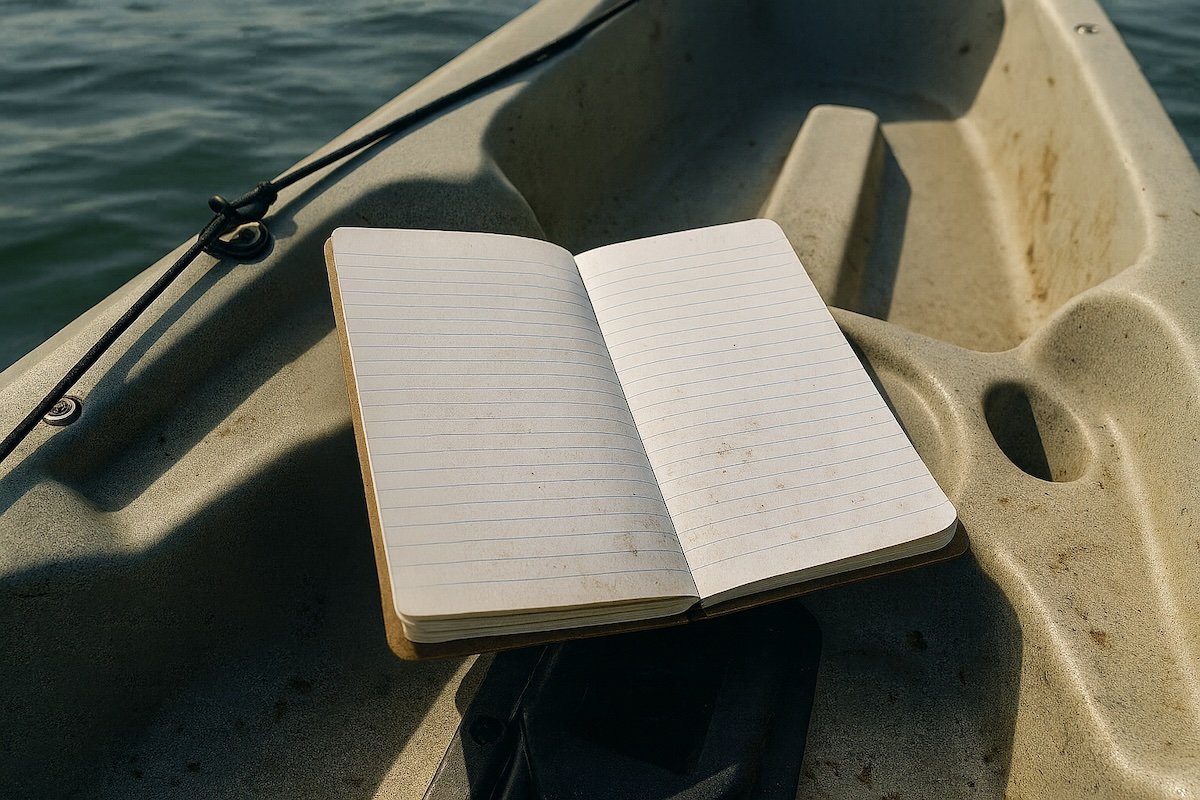
If you’ve kept a fishing log before, you already know the trade-offs of using a fishing log app versus a paper logbook. Paper’s got near-unbeatable battery life, and it’s also pretty good about not freezing up or crashing. Then again, it’s also tedious to fill out, it can get soggy easily (ask me how I know), and good luck trying to dig through years of chicken-scratch to find that one day 3 summers ago.
Apps let you punch in a catch in seconds, automatically pull in the weather, tide, and time, and store more detail than you’d ever write down by hand. A field notebook… doesn’t do that.
The other key benefit of using a fishing log app is in how easy it is to search and spot patterns later — no more guessing which wind direction fired up that creek or which month the bite shifted to deeper water.
Paper’ll always have its place, but if you want speed, organization, and the ability to actually use the data you collect, the phone wins most days.
| Feature | Paper Logbook | Fishing Log App |
| Speed of entry | Slower; must write everything by hand | Seconds; photo + auto-filled details |
| Data accuracy | Manual measurements, prone to errors | Pulls tide, temp, and weather automatically |
| Searchability | Flip through pages | Filter by species, tide, wind, etc. instantly |
| Mapping | Hand-drawn or GPS written in | Interactive GPS waypoints |
| Sharing | Copy or text photos of pages | Share selectively with trusted people |
| Risk of loss | Can get wet, torn, or lost | Backed up to cloud or device |
| Cost | Low (just a notebook) | Varies; many have free tiers |
What to Log in Every Trip
A good log app will either have these fields built in or let you add them yourself. These are the core details to capture every time:
| Field | Why It Matters | Example Value |
| Date & Time | Seasonal patterns and time-of-day bite windows | 07/24/2025, 6:45 a.m. |
| Water Body | Context for all other data | Table Rock Lake |
| Location / GPS | Pinpoint productive spots | 36.6° N, 93.3° W |
| Species | Track species-specific patterns | Largemouth bass |
| Length & Weight | Measure growth and size trends | 19” / 4.2 lbs |
| Lure / Bait | See what consistently produces | 3/8 oz. white spinnerbait |
| Depth | Depth zone trends for the season | 8 ft |
| Water Temp | One of the strongest bite indicators | 74°F |
| Water Clarity | Affects lure choice and fish positioning | Stained |
| Wind Direction & Speed | Impacts current, bait movement | SW at 12 mph |
| Weather Conditions | Clouds, sun, rain—affects fish behavior | Overcast |
| Barometric Pressure | Can trigger or shut down feeding | 29.9 inHg |
| Tide / Current | Critical in saltwater fishing | Incoming tide |
| Moon Phase | Ties into feeding cycles | First Quarter |
| Structure / Cover | Helps repeat productive scenarios | Windblown rocky point |
| Notes | Any observations you don’t want to forget | Caught 3 more on same point 20 min later |
Key Features to Look for in a Fishing Log Book App
Not every app is worth your time. The best fish logging apps do two things: capture the data you need quickly and make it easy to see patterns later. Here’s what to look for:
1. Fast, Easy Catch Logging
When you hook into a good fish, you don’t want to spend five minutes typing on a screen. The right app should let you:
- Snap a photo.
- Auto-fill location, date, time, weather, and tides.
- Add species, size, bait, and notes in a few taps.
2. Reliable Data Integration
Top-tier apps pull in real-time and historical:
- Tide stage and times (for saltwater).
- Weather conditions (wind speed, direction, barometric pressure).
- Water temperature (if linked to a local station).
- Moon phase and rise/set times.
This automatic context saves you the hassle of cross-referencing multiple sources later.
3. Robust Analysis Tools
A log’s value is in its patterns. Look for tools that:
- Filter by species, location, tide, or water temp.
- Show bite windows based on past trips.
- Create maps of productive spots.
- Let you compare seasonal trends year over year.
4. GPS & Mapping Integration
A map view lets you:
- See where each fish was caught.
- Mark waypoints for structure, cover, or depth changes.
- Plan return trips based on previous hot spots.
5. Privacy & Sharing Controls
You should be able to:
- Keep spots 100% private.
- Share only selected catches or data points with trusted friends.
- Export your data for personal backups.
6. Offline Mode & Sync
Not every fishing spot has great cell service. Offline logging that syncs later keeps your records complete.
7. Data Ownership & Export
Make sure the app lets you export your log in case you ever want to move to a different platform.
Building a Quick On-the-Water Logging Habit
The biggest obstacle to consistent logging is… logging. If it feels like homework, you’ll skip it. Here’s how to make it automatic:
The 30-Second On-the-Water Workflow
- Land the fish and secure it.
- Snap a photo in the app or your camera (Log.fish imports location/time and conditions automatically).
- Add quick details: species, size, lure/bait.
- Save it. Don’t overthink — you can refine later.
The 5-Minute Post-Trip Wrap-Up
- Review all catches for the day.
- Add any missing details (exact tide stage, water clarity).
- Write a quick summary of what worked and what didn’t.
- Tag the trip with seasonal or pattern keywords (e.g., “fall shad migration,” “post-front dock bite”).
This keeps your records detailed without pulling you out of the fishing mindset.
Turning Logs into Fishing Decisions
Having data is one thing — using it is another. Here’s how to make your app work for you.
1. Find Seasonal Windows
- Filter all catches for a species during the same month across multiple years.
- See which tide, wind, or time of day produced the most bites.
- Use this to plan trips during peak conditions.
2. Match Tides to Spots
- Look back at catches from a single flat, creek mouth, or ledge.
- Identify which tide stage (incoming, high, outgoing, low) was most productive.
- Fish that spot only during that tide to maximize efficiency.
3. Track Lure or Bait Effectiveness
- Filter by lure type over similar water clarity and temperature.
- Learn which presentations excel under which conditions.
4. Build a Pattern Library
Create “playbooks” based on proven setups:
- Windblown Points + Crankbait + 60°F water = good pre-spawn bite.
- High Tide Grass Flats + Topwater = explosive summer action.
5. Prep for New Waters
- Apply patterns from similar locations you’ve fished before.
- Use historical filters to predict what might work even on a new lake, river, or coastline.
Example Pattern Discovery
Scenario: You fish a tidal creek for redfish six times in September.
Your log shows:
- 80% of fish caught on outgoing tide.
- Water temp range: 78–82°F.
- Lure: 3-inch paddle tail outperformed live bait in 4 of 5 cases.
- Most hits within 2 hours after high tide.
Decision: Next September, focus only on that 2-hour outgoing window with the paddle tail — no more guessing.
Sample Fishing Log Entries
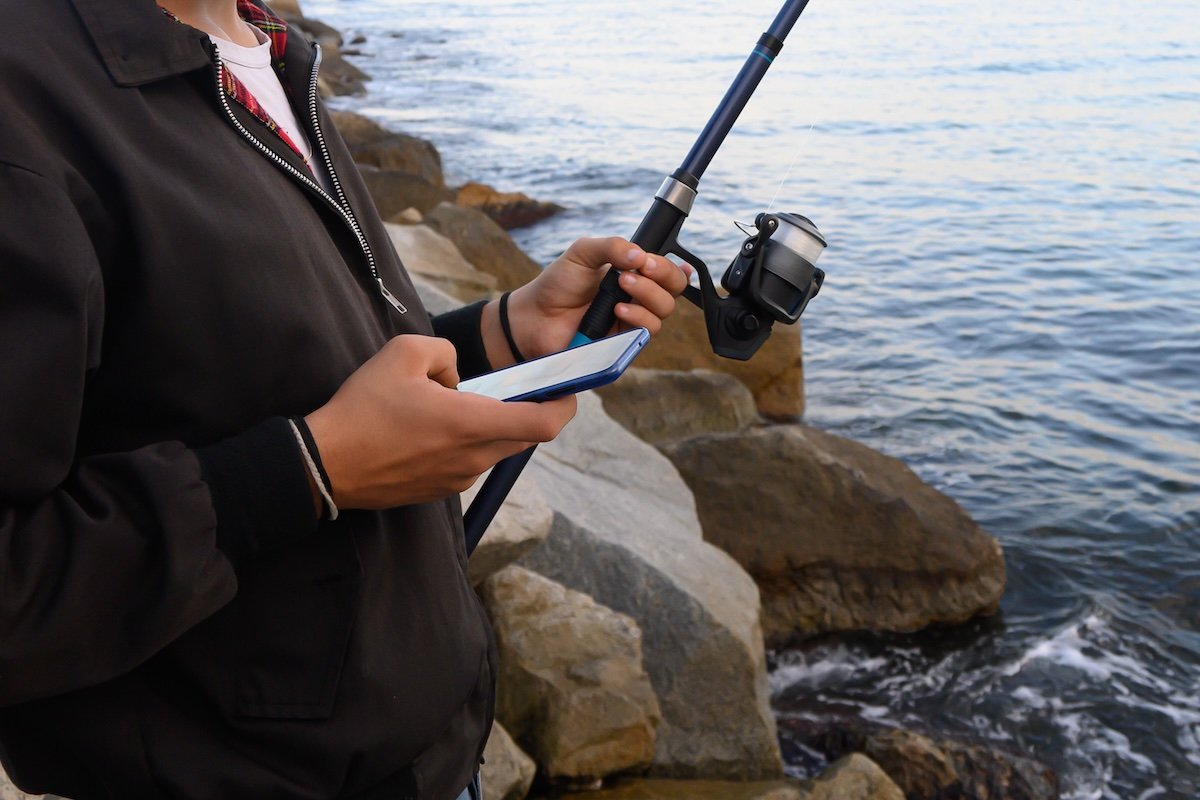
A lot of guys hear “fishing log” and picture sitting at the kitchen table with a notebook, trying to find the wind direction from three Saturdays ago. It doesn’t have to be that way. Even the most bare-bones entry—date, time, location, species, size, bait, and a quick photo—can be enough to jog your memory and help you start spotting patterns. You don’t want to spend more time handwriting or typing than you do fishing.
Example: Simple Log Entry
Date: 05/18/2025
Time: 8:42 a.m.
Location: 2 miles off St. Augustine Inlet
Species: Spanish mackerel
Length: 20 in
Bait/Lure: Clark spoon
Photo: ✔️ (fish on deck shot)
Tide: Incoming
Weather: Light chop, clear skies
Water Temp: 74°FNotes: School was busting bait on the surface — hooked up quick after getting into the action.
As you can see, logging all the info you should be logging still takes effort. Once you start adding in the good stuff — tide stage, water temp, weather, wind, moon phase — it’s easy to see why most guys quit keeping a log after a couple of trips.
The trick is finding a system that records those details without you having to mess with them. That’s where an app like Log.Fish earns its keep: it grabs the conditions automatically while you just fish, so even your quick-and-dirty logs end up with the kind of detail that makes the data worth looking back on. With that in mind said, here some examples of what a more complete app entry might look like for multiple different types of fishing:
Detailed Fishing Log Entry Example 1 — Bass Lake in Summer
Date: 07/24/2025

Water Body: Table Rock Lake

Location: 36.6° N, 93.3° W

Species: Largemouth bass

Length: 19 in

Weight: 4.2 lbs

Lure: 3/8 oz. white spinnerbait

Depth: 8 ft

Water Temp: 74°F

Clarity: Stained

Wind: SW at 12 mph

Weather: Overcast

Pressure: 29.9 inHg

Structure: Windblown rocky point

Notes: Fish hit on slow roll just off the drop.
Detailed Fishing Log Entry Example 2 — Inshore Redfish Flat
Date: 09/02/2025

Water Body: Mosquito Lagoon

Location: 28.9° N, 80.8° W

Species: Redfish

Length: 27 in

Weight: 7.1 lbs

Bait: Live mullet

Depth: 2 ft

Water Temp: 82°F

Clarity: Clear

Wind: E at 8 mph

Weather: Sunny

Tide: Outgoing

Moon Phase: New Moon

Structure: Grass flat with scattered potholes

Notes: Sight-cast 30 ft ahead, fish tailed before strike.
Detailed Fishing Log Entry Example 3 — Offshore Bottom Fishing for Snapper
Date: 06/15/2025

Water Body: Gulf – 32 miles off Clearwater

Location: 27.9° N, 83.2° W

Species: Red Snapper

Length: 31 in

Weight: 14.5 lbs

Bait: Cut bonito on a 7/0 circle hook

Depth: 105 ft

Water Temp: 78°F

Clarity: 40+ ft visibility

Wind: WSW at 10 knots

Weather: Partly cloudy

Current: Moderate, to the NE

Moon Phase: Waxing Gibbous

Structure: Ledge drop-off with scattered limestone

Notes: Fish smoked the bait on the drop — had to muscle it hard to keep it from diving back into the rocks. Boat limited out within an hour.
Detailed Fishing Log Entry Example 4 — Nearshore King Mackerel Trolling
Date: 10/12/2025

Water Body: Atlantic Ocean – 5 miles off Charleston

Location: 32.7° N, 79.8° W

Species: King Mackerel

Length: 45 in

Weight: 33.2 lbs

Bait: Live menhaden on stinger rig

Depth: 35 ft over 50 ft bottom

Water Temp: 73°F

Clarity: Green-blue

Wind: ENE at 15 knots

Weather: Overcast with light chop

Current: Southbound at ~1 knot

Moon Phase: First Quarter

Structure: Ledge edge near bait schools

Notes: Took the long flat line — blistering first run. Saw multiple kings slashing through the bait, this one was the biggest of the day.
Detailed Fishing Log Entry Example 5 — Bluewater Trolling for Mahi-Mahi
Date: 07/03/2025

Water Body: Atlantic Ocean – 58 miles off Port Canaveral

Location: 28.9° N, 78.3° W

Species: Mahi-Mahi (Bull)

Length: 52 in

Weight: 38.7 lbs

Bait: Small ballyhoo with blue/white Ilander skirt

Depth: Surface over 2,100 ft

Water Temp: 80°F

Clarity: Deep blue, weedline edge

Wind: SSE at 12 knots

Weather: Clear, scattered cumulus clouds

Current: Gulf Stream, northbound 2.5 knots

Moon Phase: Full Moon

Structure: Floating weedline with scattered debris

Notes: Came in hot behind the teaser and inhaled the bait. Lit up neon green and gold — put on an aerial show before settling into deep runs. Found two more mahi under the same patch; weedline held bait for a solid half-mile.
FAQ: Common Questions Fishermen Have About Log Apps
Q: Will logging slow me down?
A: Only if you try to write the next Great American Fishing Novel between casts. Snap a quick photo, jot the basics, and get your lure back in the water. Save the fine details for when you’re off the water. Most fishing log apps for iPhone and Android are designed for speed, so a simple entry can take under 30 seconds, especially if the app fills in weather, tide, and location for you.
That said, not every app nails it. Some are clunky, bury simple fields under too many menus, or try to push social features you don’t care about when you just want to log a catch. A slow, awkward interface can turn logging into a chore and make you skip it altogether. It’s worth trying to find one that’s quick, reliable, and works the way you fish—not the way some developer who’s never fished thinks you should.
Log.fish is a fishing log app that was made by fishermen, for fishermen. Snap a picture of your catch and it automatically fills in the stuff that’s easy to forget or skip — tide stage, moon phase, water temp, wind, the whole nine yards — straight from NOAA data. You get a clean record of the trip without having to stop and play “data entry clerk” on the water. It’s not only good for saving time, it’s also good for recording the kind of complete, accurate logs that make your future trips better.
Q: Do I really need to log tide data if I fish freshwater?
A: Tides in a lake? Yeah, not much to report — unless you count the wake from some guy’s MasterCraft doing laps past your spot as “current.” That said, if you fish rivers, it’s worth tracking water flow and level changes. Rising or falling water can position fish in predictable spots, and it’ll save you from wondering why the bite died when the dam opened up.
In lakes, you obviously can’t log tides, but you can track water movement factors that matter — things like:
- Wind-driven current – In large or open lakes, sustained wind will push surface water (and baitfish) toward the downwind shore, points, or structure. Predators often follow the food. Bass, walleye, and stripers especially can stack up on windblown points or humps.
- Sudden level drops – Common in lakes controlled by dams. A rapid drawdown can pull fish off shallow cover, concentrate them in deeper water, or reposition them along drop-offs.
- Inflow from feeder creeks – After rain, creeks bring in food, oxygen, and cooler (or warmer) water. This can create local feeding zones or change fish behavior in the area.
Even in still water, keeping tabs on other changing factors like wind shifts or sudden drops in barometric pressure can help fill the same role that tide data does for saltwater fishermen. And if you ever fish brackish water or make the jump to salt, getting used to logging water movement now — whether that’s wind-driven current, dam releases, or sudden level changes — will make learning tide patterns much easier later.
Q: I’ve got a pile of old paper logs in the garage. Worth bothering with?
A: Absolutely. Those old entries might remind you of spots you forgot about — or why you stopped going there. Fair warning, if they’ve been sitting in a hot garage for a few summers or freeze/thaw cycles, those old paper logs might be more “science experiment” than “historical record.” Damp notebooks do have a tendency to turn into wavy, stuck-together bricks, and if the heat didn’t get ’em, the rats probably used a few pages for nesting material. But if you can still read them, it’s quite possible there’s gold in there… or at least some decent reminders. Even partial or messy records can help you piece together seasonal patterns, lure choices, and conditions that lined up on your better days.
Q: What if I don’t want my spots shared?
A: Then don’t share them. A good app will let you keep your GPS pins private. You can still post the picture and the stats without broadcasting the exact dock you were fishing under. Some platforms also offer “generalized location” options so you can log accurate data for yourself without giving away exact coordinates to others.
Q: Can I log trips without catching anything?
A: You should. Those “zero” days teach you what not to waste your time on. Over time, you might notice that every blank trip lines up with the same lousy conditions—or that it’s just the days your buddy Dave insists on picking the spot. Skunk logs can be just as valuable as big-fish days, since they help identify patterns that shut fish down, letting you avoid repeating them.
In fact, logging no-catch trips gives you a more complete picture of your fishing history. When you filter your records later, you’ll see both the highs and lows side by side, which helps you separate coincidence from real, repeatable patterns. It also makes seasonal planning more reliable, since you’re not just relying on the “highlight reel” of your best days.
The Bottom Line
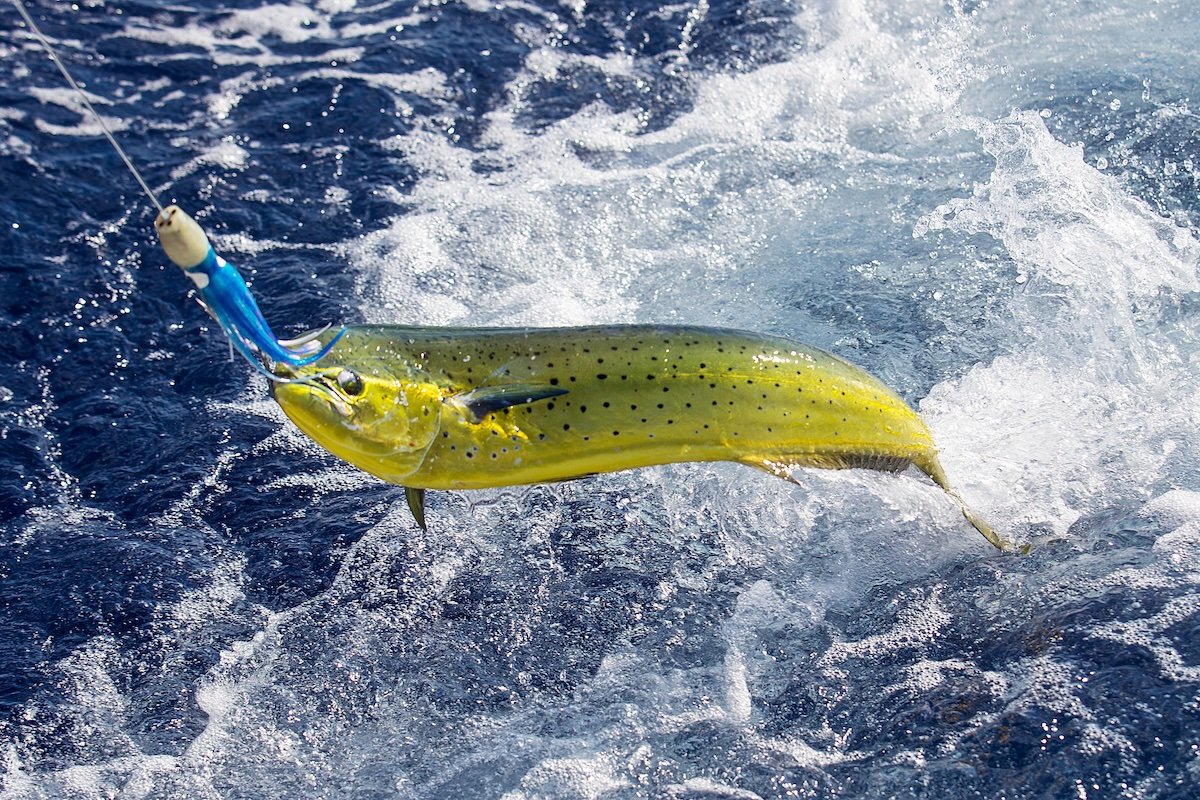
At the end of the day, keeping a fishing log isn’t for impressing anyone with a spreadsheet full of stats. It’s for stacking the odds in your favor the next time you’re out. Nobody’s saying you’ve got to log every cast, or keep track of what color shirt you were wearing when you hooked a trout. But a handful of important details — date/time, place, weather, water conditions, what you threw — can turn a single lucky day into a repeatable pattern.
The first couple trips you log might feel a little awkward, like you’re doing “homework” after a day on the water. But when you’re staring at a flat-calm bay in August, flipping through last year’s logs, and realize the bite fired up just about 2 hours into the outgoing tide… well, that’s when the lightbulb goes off. Suddenly you’re not having to guess anymore — you’re making decisions based on your own proof.
So whether you’re chasing bass in your backyard lake, running crab traps along the coast, or trolling the Gulf Stream for mahi, a good log is like having your future self riding along in the boat. He’s already seen these conditions, already figured out the plan — and he’s just handing you the playbook. All you’ve got to do is follow it, and keep the cooler stocked.
You can still print a fishing log template the old fashioned way if that’s the way you prefer to do it. But no matter who you are, if you fish, a good fishing log app’s likely going to save you a lot of work. Downloading Log.Fish means you’ll grab half the info automatically before you’ve even set the hook. You’re still in charge of the fishing — it just makes sure you remember what actually worked.