A Fisherman’s Guide to Photo Metadata
If you’ve ever looked at a photo of a great catch and thought, “What day was that again?” or “Was the tide incoming or outgoing?”—you’re definitely not alone.
The thing is, our memory’s pretty bad at tracking the little details that actually matter when it comes to patterning fish. We remember the bite, maybe the lure—but not the tide, the pressure drop, or what time the wind shifted.
That’s where photo metadata comes in. And if you’re using a fishing log app that automatically pulls this data for you? Even better. It documents all those important background details, and turns them you’d normally forget into information you can use.
In this guide, we’re breaking down exactly what photo metadata is, how it works for fishing, and why it’s one of the best tools that fishermen can use to keep a catch log—without having to write down anything extra.
What Is Metadata?
Every time you take a photo with your smartphone or a digital camera, it does more than just save the image—it quietly logs a bunch of technical information in the background. That invisible layer is called metadata—short for “data about data.”
In technical terms, metadata refers to structured information stored within the image file itself, generally following standards like EXIF (Exchangeable Image File Format), IPTC, or XMP. (We’re focusing primarily on EXIF data—because that’s where the most relevant information for environmental tracking and logging is found.)
Here’s what’s usually in it:
- Date & time the photo was taken
- GPS coordinates (if location services were on)
- Camera settings (ISO, exposure, lens, etc.)
- Device info (model, version, etc.)
From a fisherman’s perspective, the most valuable metadata fields are the date, time, and GPS location, which allow you to anchor that photo in both space and time. But when that data is cross-referenced with live or historical environmental sources—like NOAA tide charts, marine forecasts, and moon phases—you suddenly have a full picture of exactly what conditions were like when that fish hit.
That’s what makes metadata so powerful: it’s automatic, invisible, and tied to every shot—whether you realize it or not. And if you’re using an app that knows how to read it, you’ve just turned a basic catch photo into a full-featured fishing logbook entry without lifting a pen.
Why It Matters for Keeping a Catch Log
Most fishing logs rely on memory or manual notes. That’s a problem. Because by the time you’re back home rinsing off gear and thinking about dinner, the small stuff—like exact location, time, temperature, wind direction, or tide—can already be fuzzy.
When you log a catch using a photo, you’re freezing the moment and capturing the data that surrounds it. Think about how that helps:
- Instead of guessing when the bite turned on, you know the exact time stamp.
- You’re not eyeballing where you were—you’ve got precise GPS coordinates.
- You can match the photo’s date and time with historical NOAA data to see water temp, tide stage, wind conditions, and more.
That combo—photo + data—is what turns a casual picture into a complete searchable record.
How It Works in a Fishing Journal App
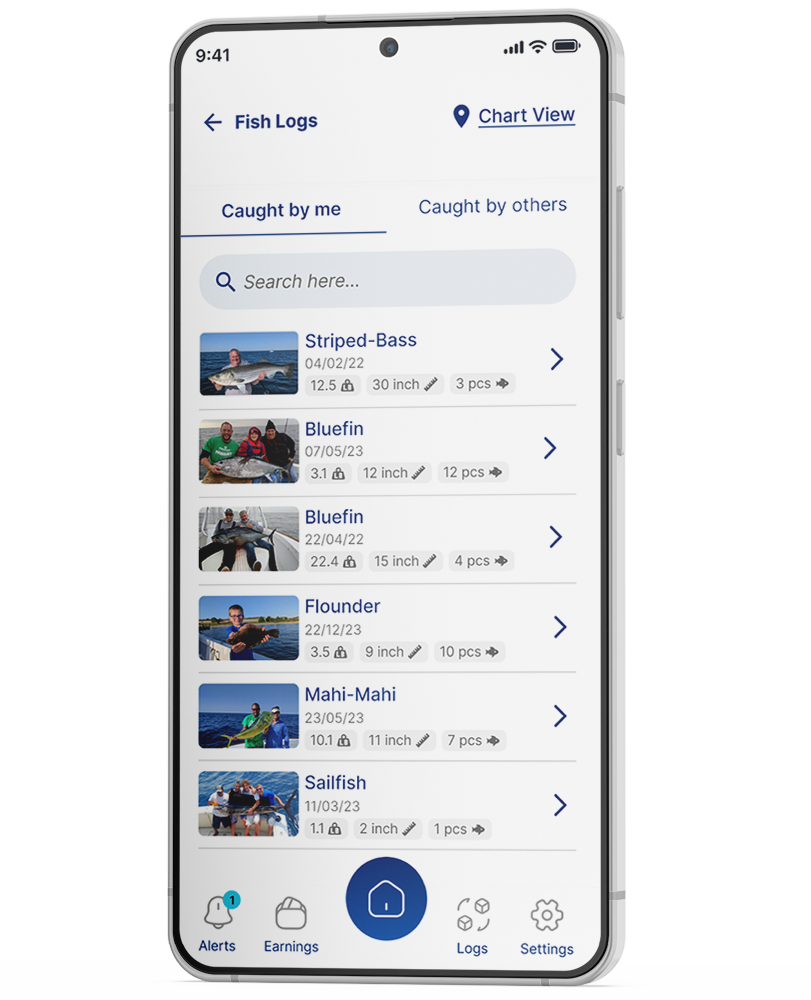
Let’s say you take a picture of a redfish you just pulled from the mangroves. When you upload it to the fishing journal app:
- The app extracts the embedded metadata from the image.
- It uses that to grab environmental conditions from NOAA and other sources: tide, barometric pressure, moon phase, wind, etc.
- It packages that all into one catch log—automatically.
You didn’t have to write anything. You didn’t have to tag your location or look up the tide chart after the fact. It’s all there, pulled straight from your photo.
What If Metadata Is Missing?
Sometimes, the data isn’t there. This could happen when:
- Location services were turned off on your camera or phone
- You edited the photo in certain apps that strip metadata
- The image was screenshotted or shared in a way that removed it
In those cases, you can manually tag the catch with estimated info, or try to match your photo to recent trip history. But to get the best results, make sure:
- Location is turned on in your phone camera settings
- You’re uploading original photos (not screenshots or filtered versions)
- You take the photo right when you land the fish
Manual Logging vs. Metadata: Side-by-Side Example
| Method | Manual Logbook Entry | Photo Metadata Log via Log.Fish |
| Time | “Early morning” | 6:38 AM |
| Location | “North end of the cove” | 35.2144° N, 90.0495° W |
| Weather | “Overcast, I think?” | Cloud cover: 83%, Temp: 64°F, Wind: SE 9mph |
| Notes | “Caught 3, all decent size” | 3 photos, each timestamped & tagged |
| Review Later? | Must flip through pages, hard to cross-reference | Fully searchable, filterable by conditions |
One takes guesswork. The other takes a couple taps. This is why metadata wins—it’s more precise, more consistent, and way easier to use down the line.
Real-World Examples
Same Spot, Different Results
Say you fished a certain bridge piling three times over two weeks. Each time, you caught fish—but only on one of those trips were they stacked up and aggressive.
With photo-based logs, you can look back and see:
- Time of day
- Tide direction
- Water temp
- Wind angle
- Moon phase
You might realize the big difference was a falling tide with a west wind on a pressure rise. That kind of insight doesn’t come from memory. It comes from data—and the easiest way to get that data is from a photo.
Bait Didn’t Change—But the Bites Did
You hit your favorite shoreline or docklight with the same lure, same presentation, same everything—but this time, the fish just wouldn’t commit. No bites, or short strikes at best.
With photo-based logs, you can compare conditions side by side:
- Barometric pressure
- Wind speed and direction
- Cloud cover vs. sunlight
- Water clarity
- Moon phase and brightness
Looking back, you might notice that your successful nights lined up with higher pressure, clearer skies, and a darker moon. The off night? Low pressure, hazy water, full moon glare. All of a sudden, it’s not just bad luck—it’s a pattern. And now you can plan around it.
The Bite Window Was Short—and You Missed It
You fished a morning trip and came up mostly empty. But your buddy hit the same general area just a few hours later and filled the cooler. What changed?
Photo metadata lets you dig into:
- Exact timestamps of the catches
- How the tide stage progressed
- Shifts in water temperature
- Any weather fronts moving in
It might turn out that the fish only turned on during a brief rising barometer spike or the last hour of the incoming tide. Without a timestamped photo log, you might chalk it up to chance. With it, you’ve got a real edge next time the conditions match up.
Why This Isn’t Just “Tech for Tech’s Sake”
Logging catches by hand works. People have done it forever.
But let’s be honest: most of us aren’t logging every detail after every trip. And even if we are, we’re not cross-referencing that log with tide charts and wind tables from NOAA.
Using your catch photo to do the heavy lifting doesn’t make you lazy—it makes you efficient. It means less time writing things down, and more time learning what works.
Now, nobody’s saying you can’t keep a handwritten log. Some guys love it. Leather-bound notebook, neat handwriting, every trip logged like it’s going in the Smithsonian. As a fisherman, I respect that. But let’s be real: most of us are lucky if we remember to rinse off our gear before it molds, let alone sit down and write a full trip report with tide data and moon phase.
On the other hand, we take photos anyway. Half the time, it’s just to show our buddies or remember a good day. So why not let that photo do something? Let it pull the tide chart for you. Let it track the water temp, the wind angle, the pressure trend. You don’t need to be a marine biologist or a data analyst to start noticing patterns—you just need to give yourself a way to see them.
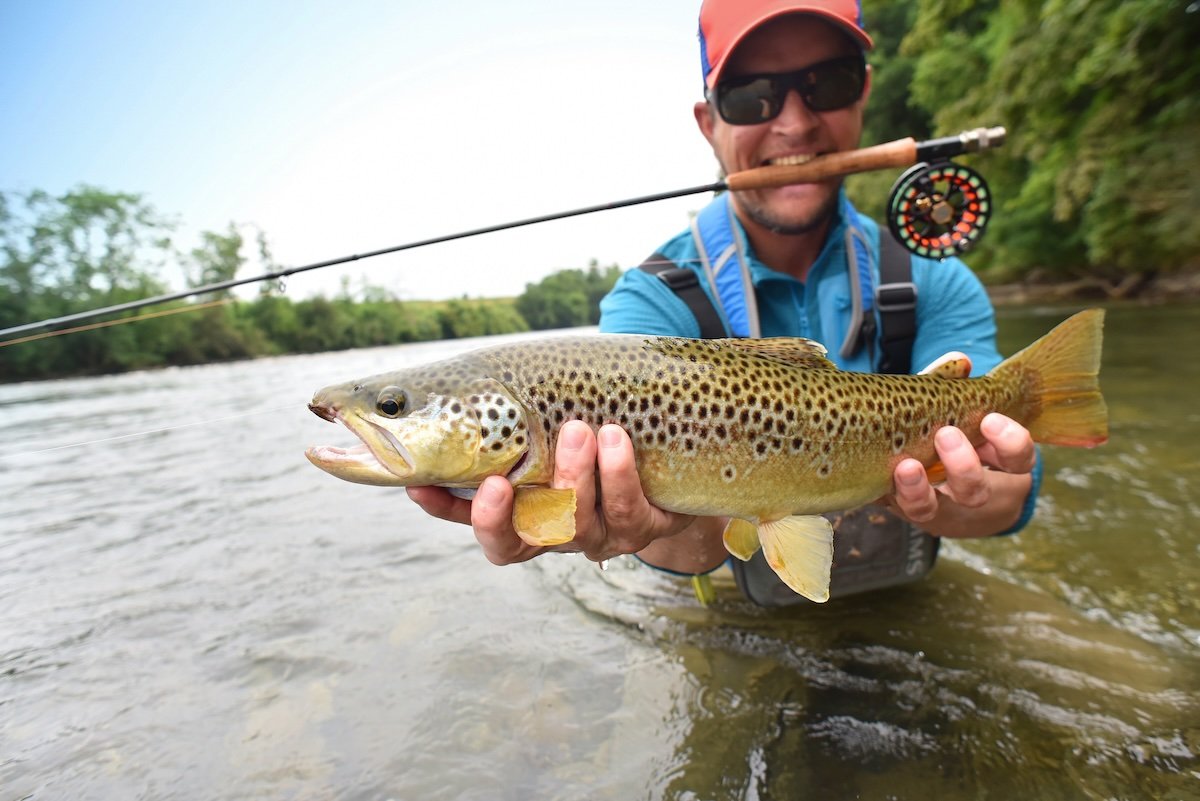
Because eventually, you’ll scroll back through your logs and start catching little consistencies. “Huh. They hit on that same reef right as the tide started falling.” Or, “Every time I hook up here, the wind’s pushing southeast.” That kind of realization doesn’t usually happen in the moment. It happens after the fact, when you’ve got the data in front of you. And the great thing is, with this kind of logging, you didn’t even have to remember to write it down.
So no—it’s not tech for the sake of being high-tech. It’s not some Bluetooth-enabled bobber that sends you push notifications every time a bluegill sneezes. It’s tech that fades into the background, does its job quietly, and above all, helps you put more fish in the boat.
Why Log.Fish Blows Other Fishing Log Apps Out of the Water
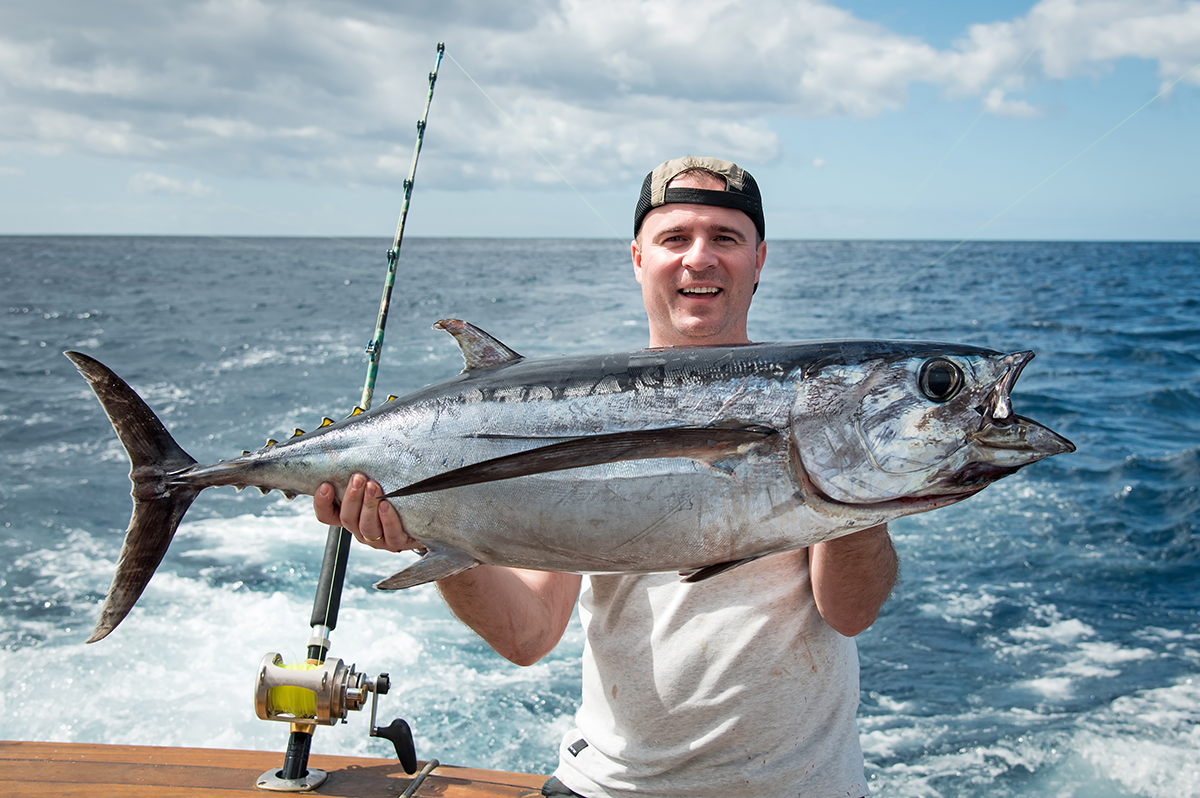
There are plenty of fishing apps out there—but most of them either:
- Focus on community sharing and crowdsource maps, or
- Require you to manually enter half the details after each trip.
Log.Fish was built differently. It’s not just a GPS tracker, and it’s not trying to turn your secret spots into public posts. Instead, it prioritizes efficiency and accuracy—doing the work in the background while you keep fishing.
- No typing required
- No social pressure or “leaderboards”
- No need to toggle between 5 charts and 7 tabs
Just a private, tech-assisted log that understands what fishermen actually care about.
Is Catch Data Really Private with Log.Fish?
Yes—100%.
We know how fishing works. You’ve got your spots, your patterns, your tricks—the kind of knowledge you’ve spent years building. That’s not something you want broadcast to the whole internet just because you logged a catch. We respect that, and Log.Fish is built with that exact mindset in place.
By default, everything you log is completely private. Your photos, locations, environmental data, and patterns are yours alone. Nobody else can see them—not even other users of the app, and not us on the backend. There’s no public map, no automatic feed, no social component unless you choose to share.
That said, we do offer optional tools that give you the capability to share or even monetize your logs—if that’s something you want to do. Maybe you’re a fishing guide who wants to show clients your track record, or maybe you want to trade patterns with friends or fishing clubs. But nothing happens without your say-so. You’re always in control of what’s private, what’s shared, and what’s not.
We designed Log.Fish for real fishermen who understand the value of good intel. That means making sure your data stays locked down unless you unlock it. Your honey holes stay your honey holes. Period.
Final Thoughts
If you already take photos of your catches—and you probably do—then you’re halfway there. All you need is a good fishing app that can unlock the data inside those photos and turn them into something useful.
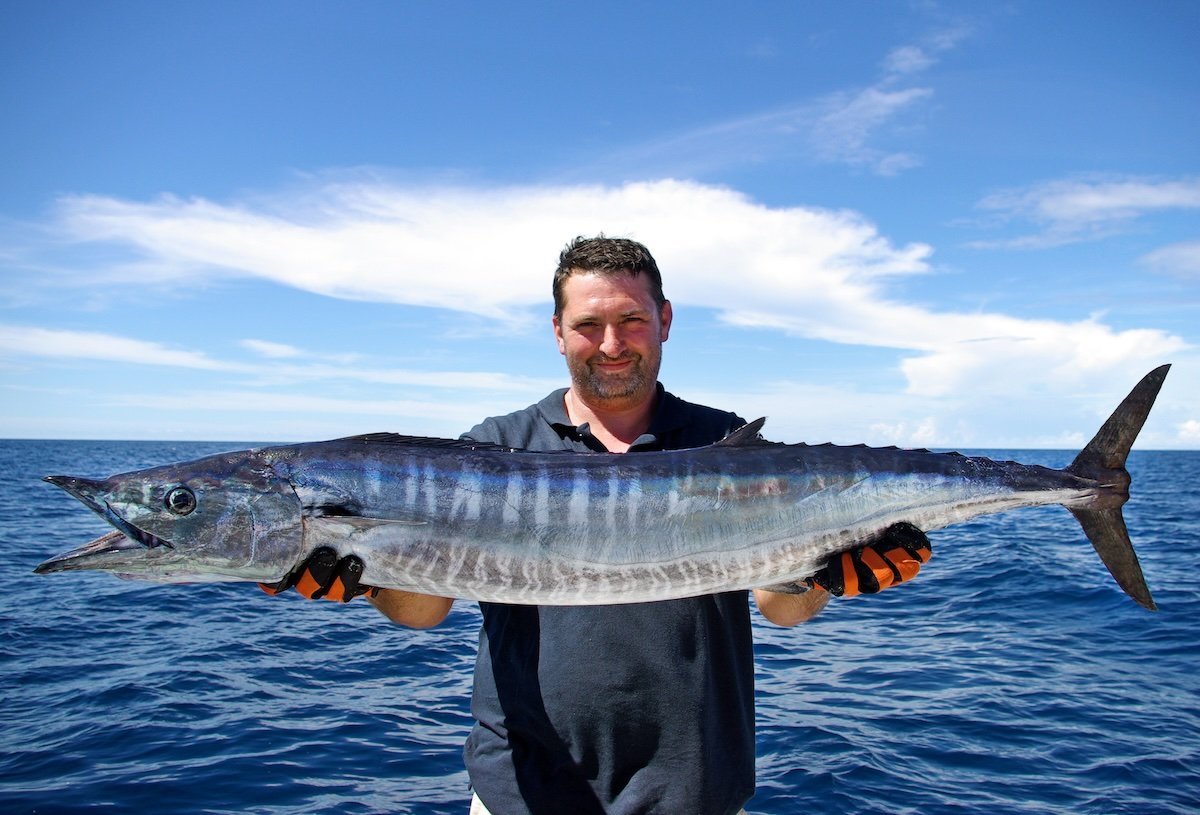
That’s exactly what Log.Fish is built to do. You don’t need to tag locations, punch in weather details, or try to remember what the tide was doing at 6:43 AM last Saturday. You just upload the photo. Behind the scenes, Log.Fish grabs the timestamp, pulls the GPS coordinates (if they’re there), and matches that with NOAA’s environmental data—tide stage, moon phase, wind, pressure, temperature, you name it. In seconds, your pic becomes a full catch log with all the juicy context most fishermen never bother writing down.
You’re not doing more work. You’re doing the same thing—snapping a pic of a good fish—but now that photo actually works for you. It becomes searchable. Filterable. Sortable. Want to see every catch you logged on a dropping barometer with a southeast wind during a waning moon? You can. Want to pattern that one jetty that only fires on a flood tide in the early morning? That’s now a couple taps away.
 What Log.Fish does best is stay out of your way until you need it. No distractions, no clutter—just streamlined data built right into something you already do. You keep fishing. It keeps learning.
Metadata might sound technical, but using it is dead simple. It’s just quick logging that works in the background while you fish.
So next time you land a good one, snap a clean pic—and let science do the rest.